
A group of Parents and I are going to film the Waialea All School Concert that Mrs. Hermes is putting on with multiple cameras.
Come back to this page after the 13th we will post the finished video here and on YouTube.
It usually takes 2 days to put these videos together
This is 2024’s video:
When: november 13th, 5pm
Who: We are a group of Parent Volunteers. We are doing this for free.
Technical:
I am using a program called Davinci Resolve Black Magic. This allows me to start many different cameras at the same time. So When I edit the video I can just chose which camera to use.
I have a portable router, that runs off of batteries that connects all the cameras.
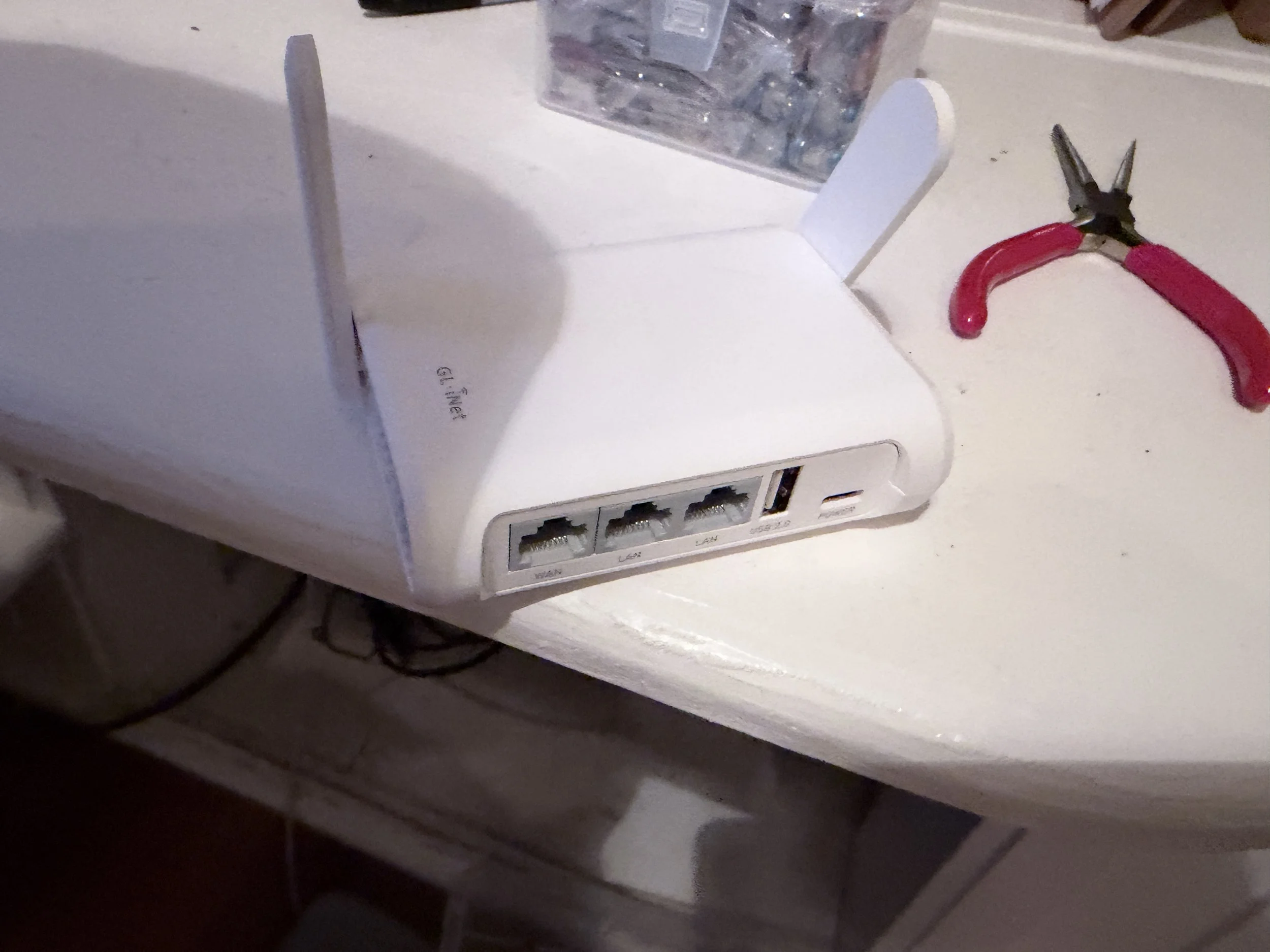
I will be able to see what the camera’s see on my laptop in the front row. 2 of the cameras will be on remote controlled Gimbals that allow me to point the camera mid show. Meaning I can put the cameras on the stage.
I also have 2 360 Cameras that I will mostly Grapher tape to the mic stands.
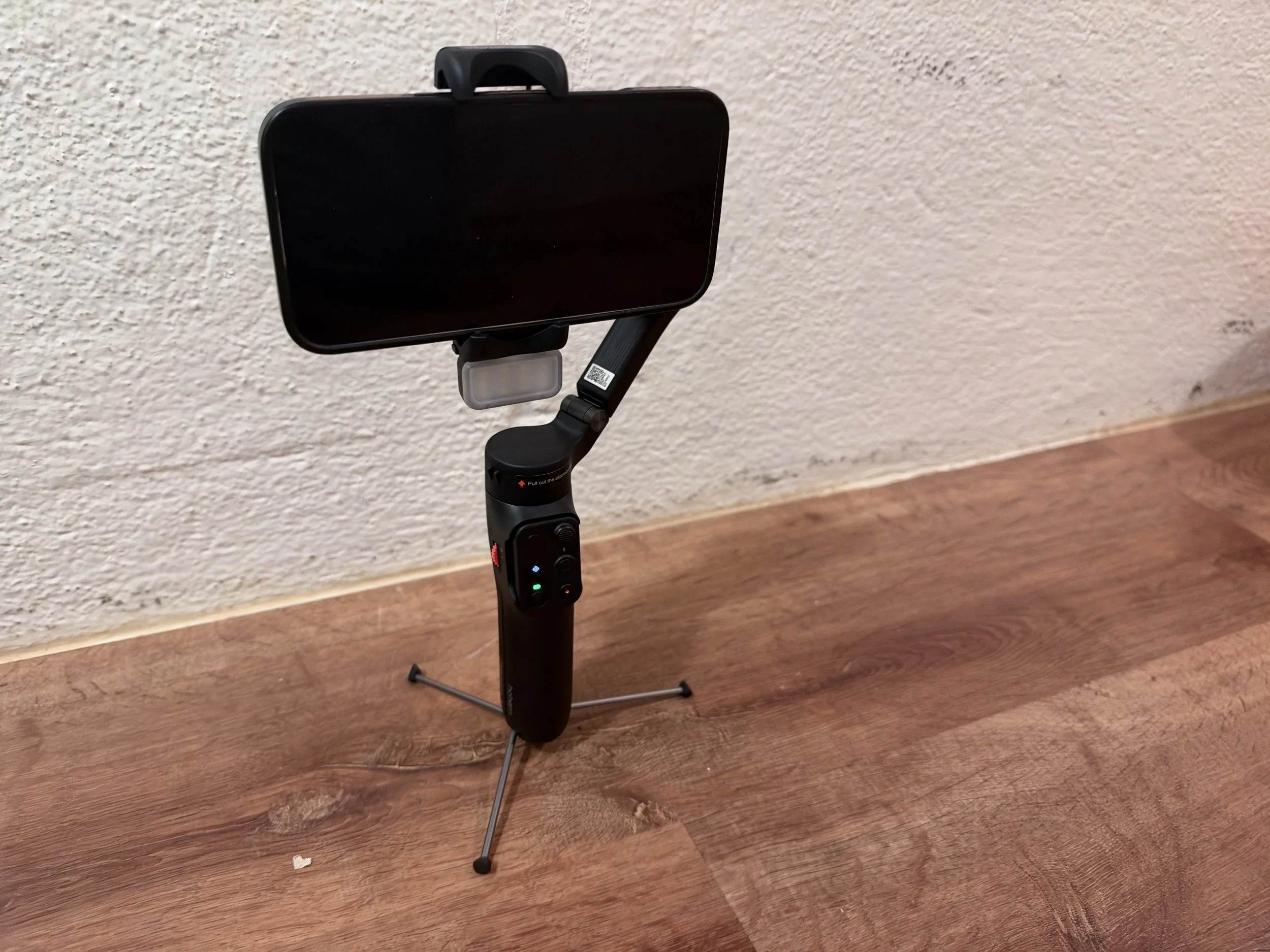
I will also have a couple parents just use their phones and shoot from the audience.
Parents who are filming:
Who: Kyle, Lori, Ellen, Joe
I just need your phone. I will put it in a case and aim it at the stage for the stationary shots. You don’t need to hold it. Just enjoy the concert. I will get you a good seat.
Prep Your phone:
Make sure it’s at least 80% battery
Make sure there are 10 GB free on it
Black Magic Camera App
Download “Black Magic Camera App”
Open the app
Allow all the things
Go to Settings
Remote Camera Controls - on
Use this phone as - remote Camera
Set password to 12345
Allow
Name your camera i.e. “Evan’s iPhone 16”
Sync Record across camera - on
Dim Remote camera on record - on
Hit camera on bottom left
Switch wifi to: Camera wifi - no internet
Give your phone to Evan
Maybe Joe Stand to the side with the camera on a pole
Enjoy the Concert
After the concert “Send the file to Evan” Before you Leave the hall.
